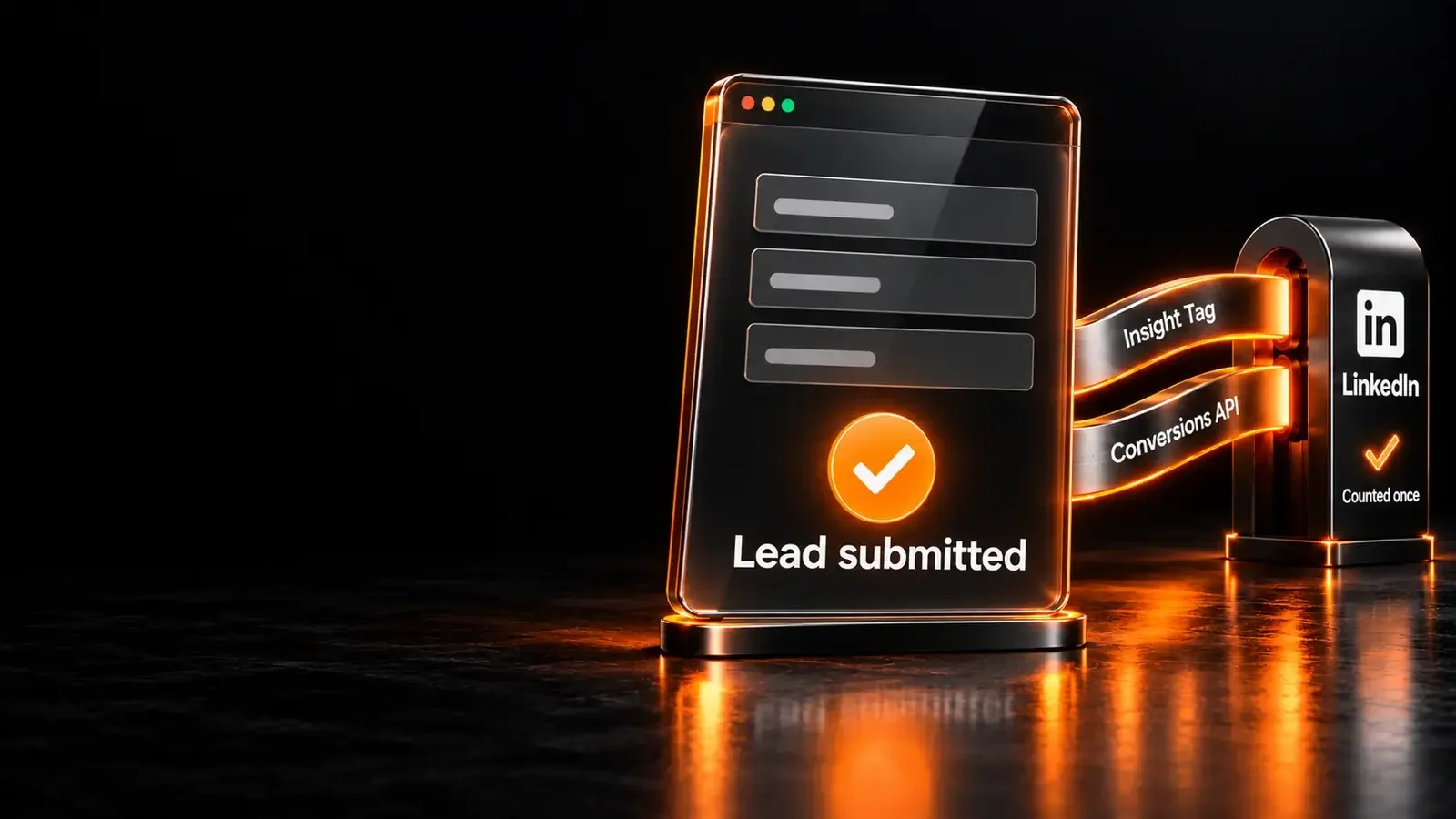


Meta Pixel and Conversions API deduplication stops one purchase from being counted twice when both tools report it. The Pixel sends it from the visitor’s browser, and the Conversions API from your server. Meta recommends running both, and that setup only works if Meta can tell a duplicate from a second sale.
This guide explains how deduplication matches the two events, with the Pixel and server code to make them match. It lists the failures we find most when we audit a Meta Conversions API setup. It ends with how to check the result in Events Manager.
What is the difference between the Meta Pixel and the Conversions API?
The Meta Pixel is JavaScript that runs in the visitor’s browser, and the Conversions API (CAPI) sends events from your server. Meta’s Pixel is “a snippet of JavaScript code that allows you to track visitor activity on your website” (Meta). The Conversions API is a POST request from your server to Meta’s events endpoint (Meta for Developers).
So the CAPI vs Pixel question is not a choice between two products. The Pixel sees what happens in the browser, as long as the browser loads it. The Conversions API sees what your server records, such as a confirmed order, even when a browser blocks or drops the Pixel.
Meta advises running both. Its best practices say to “share the same events using both tools” (Meta for Developers). The reason it gives is that the server can share events the Pixel loses to network problems or page loading errors.
Why sending both creates duplicate events
Sending the same event from the Pixel and the server creates two copies of one conversion. Without deduplication, Meta counts both, and your reported purchases double.
Meta calls this a redundant setup. Advertisers running it “must set up a deduplication method” (Meta for Developers). That lets the delivery system tell distinct events from overlapping ones. Events sent through only one of the two tools need no deduplication.
Double counting does more than inflate a report. It is also why platforms disagree, as in GA4 and Google Ads conversions. Meta’s delivery system learns from the conversions it receives. If every purchase arrives twice, cost per purchase looks half its real size and budget decisions follow the wrong number.
Duplicate purchases are not only a Meta problem. Here is what they cost one retailer whose GA4 counted the same orders several times.
How Meta Pixel and Conversions API deduplication works
Meta deduplicates a Pixel event and a Conversions API event when both carry the same event ID and the same event name. The rules below come from Meta’s deduplication documentation (Meta for Developers).
| Rule | What Meta checks | Source |
|---|---|---|
| Same event ID | The Pixel’s eventID equals the server’s event_id |
Meta, Handling Duplicate Pixel and Conversions API Events |
| Same event name | The Pixel’s event equals the server’s event_name |
Same page |
| Same Pixel | Both events go to the same Pixel ID | Same page |
| 48-hour window | Events are deduplicated only within 48 hours of the first event with that event_id |
Same page |
| First one wins | When the two events do not differ meaningfully, Meta generally keeps the one received first | Same page |
The time limit matters in practice. Events are only deduplicated within 48 hours of the first event that carried a given event_id. A server event sent days later is counted as new, even with a perfect ID.

Step 1: Create one event ID per conversion
The event ID must be unique to one conversion and identical on both sides. Meta allows “any unique string chosen by the advertiser” for event_id (Meta for Developers).
The safest source is a value both the browser and the server already know, such as the order ID. Create the ID once, then pass that same value to the Pixel and to the server. Two separate random generators, one in each place, never match.
// One ID per conversion, built from a value both sides know (the order ID).
const orderId = '100245';
const eventId = 'purchase-' + orderId;   // "purchase-100245", reused by the server event
Step 2: Send eventID with the Meta Pixel
The Meta Pixel takes the event ID in its fourth argument, as eventID. Per Meta, “the eventID parameter for the Pixel is the fourth argument in the fbq track call” (Meta for Developers).
// Browser: the event name and the eventID must match the server event exactly.
fbq('track', 'Purchase', {value: 129.00, currency: 'USD'}, {eventID: eventId});
If a page runs several Pixels, trackSingle sends the event to one of them. An image Pixel tag uses the eid parameter for the same value (same source). An event with no value or currency can pass an empty object as the third argument.
Step 3: Send the same event_id from your server
The Conversions API event must carry the same event_id and event_name as the Pixel event. Send it to the same Pixel ID, through the events endpoint https://graph.facebook.com/{API_VERSION}/{PIXEL_ID}/events (Meta for Developers).
curl -X POST "https://graph.facebook.com/{API_VERSION}/{PIXEL_ID}/events?access_token={TOKEN}"
  -H "Content-Type: application/json"
  -d '{
    "data": [{
      "event_name": "Purchase",
      "event_time": 1760342400,
      "event_id": "purchase-100245",
      "action_source": "website",
      "event_source_url": "https://www.example.com/checkout/thank-you/",
      "user_data": {
        "em": ["<SHA-256 of the trimmed, lowercased email>"],
        "client_ip_address": "<visitor IP address>",
        "client_user_agent": "<visitor browser user agent>",
        "fbp": "<value of the _fbp cookie>",
        "fbc": "<value of the _fbc cookie, when present>"
      },
      "custom_data": {"currency": "USD", "value": 129.00}
    }]
  }'
Five server fields decide whether the event is accepted and matched (Meta for Developers):
- event_time is a Unix timestamp in seconds, in GMT. It can be up to 7 days old. One older event fails the whole request.
- action_source is required. Use
websitefor website events. - event_source_url is required for website events.
- client_user_agent is required for website events, and is never hashed (Meta for Developers).
- em must be hashed. Trim spaces and lowercase the email first, then hash it with SHA-256.
import hashlib
email = '  [email protected] '
em = hashlib.sha256(email.strip().lower().encode('utf-8')).hexdigest()
The fbp and fbc values come from the _fbp and _fbc cookies on your domain, and are sent unhashed (same source). The browser has to pass them to your server with the order.
The fallback: fbp and external_id
Meta can also deduplicate without event_id, using the event name with fbp and/or external_id. Both values must be sent consistently on the browser and server events (Meta for Developers).
This method has limits that the event_id method does not. Meta says it “generally” only works when the browser event arrives first and the server event second. Server events are not discarded if no browser event arrived in the past 48 hours. Two consecutive browser events, or two consecutive server events, with the same information are both kept.
Use it as a safety net, not as the main method. Meta’s best practices ask for external_id and event_id on all events, alongside fbp and fbc (Meta for Developers).
Setting it up in Google Tag Manager
In Google Tag Manager, the event ID should come from the data layer. Then the Pixel tag and the server tag read one value. The data layer is “an object used by Google Tag Manager and gtag.js to pass information to tags” (Google).
Push the ID with the purchase, once, on the confirmation page:
// The site pushes one ID with the order; every tag reads it from here.
window.dataLayer = window.dataLayer || [];
window.dataLayer.push({
  event: 'purchase',
  event_id: 'purchase-100245',
  ecommerce: {transaction_id: '100245', value: 129.00, currency: 'USD'}
});
Then map the same data layer variable into the Pixel tag’s eventID and into the server event’s event_id. Do not let either tag generate its own ID. With a server-side container, forward the browser’s ID in the request rather than creating a new one on the server.
Common deduplication failures and how to fix them
Most deduplication failures come from IDs that do not match between the browser and the server. The table lists the ones we see most when we audit a Pixel and Conversions API setup.
| Failure | What you see | Fix |
|---|---|---|
| IDs generated twice | Browser and server create their own IDs, so they never match | Create the ID once (for example from the order ID) and pass it to both |
| Event names differ | The Pixel sends Purchase and the server sends a custom name | Use the identical event name on both sides |
| ID missing on one side | Only the Pixel or only the server carries an ID | Send eventID with the Pixel and event_id from the server |
| One side only | Events arrive from one source, nothing to deduplicate | No deduplication needed; check the missing source is intentional |
| Server event too late | The server sends after 48 hours, or with an event_time over 7 days old |
Send server events in real time or close to it |
| Test code left in | test_event_code still set in production |
Remove it after testing |
The first failure is the most common. A Pixel tag in Google Tag Manager and a server integration often each generate their own ID. Both events then carry an ID, and Events Manager still counts two purchases. Google Ads has its own version, in Google Ads conversion tracking not working.
How to check deduplication in Events Manager
Events Manager shows deduplication per event on the Event Deduplication tab. Open the Pixel’s Overview page, click Event Details for an event, then open that tab (Meta for Developers).
It reports the rate of events deduplicated from each source, and how often each source sends each deduplication key. A low rate with high key overlap usually means the keys exist but do not match.
To test before going live, use the Test Events tool and send server events with a test_event_code. Meta says to remove that field from production payloads (Meta for Developers).
Event Match Quality: deduplication is not the whole job
Deduplication stops double counting, but Meta still has to match each event to a person. Meta scores this as Event Match Quality, out of 10 (Meta for Developers).
Meta says that sending more customer information parameters may help raise that score. It lists email as an example of a high-quality parameter, and asks for external_id and event_id on all events (same source). The fbp and fbc cookie values should be refreshed regularly if you store them.
Check both numbers after launch. A high deduplication rate with a low match score means each conversion is counted once but credited to fewer people. Both are part of a Conversions API setup we verify end to end.
Deduplication checklist, step by step
Work through these in order, with Events Manager open in a second tab.
- List every event sent by both the Pixel and the server, such as Purchase, Lead and InitiateCheckout.
- Create one event ID per conversion, from a value both sides know.
- Send eventID as the fourth argument of each
fbqtrack call. - Send event_id with the identical event_name from the server, to the same Pixel ID.
- Send the server event fast, well inside 48 hours of the browser event.
- Add user_data: hashed em, client_ip_address, client_user_agent, fbp and fbc.
- Check the Event Deduplication tab for each event, and remove
test_event_code.
Frequently Asked Questions
Does the Meta Pixel still work?
The Meta Pixel still works, and Meta still recommends it. Its advice is to use the Conversions API in addition to the Pixel, not instead of it (Meta for Developers). The Pixel can miss events through network problems or page loading errors. The server copy covers those gaps, which is why deduplication is needed.
What is the point of a Meta Pixel?
The Meta Pixel records what visitors do on your website and sends it to Meta. Advertisers use those conversions to measure how well ads work and to build custom audiences for targeting (Meta for Developers). Without it, or a Conversions API connection, Meta cannot see which ads led to purchases on your site.
What is the Google equivalent of the Meta Pixel?
The Google equivalent of the Meta Pixel is the Google tag, gtag.js. It is one tag that sends website data to Google Ads, Google Analytics and Campaign Manager 360 (Tag Manager Help). Google Ads uses a transaction ID to avoid counting a purchase twice (Google Ads Help). It plays the role event_id plays at Meta.
Is the Meta Conversions API free?
Meta’s developer documentation lists no fee for sending events to the Conversions API. You send them with your own access token to Meta’s events endpoint (Meta for Developers). The cost is the server that sends them. That can be your own backend, a server-side Tag Manager container or a hosted gateway.
Sources (10)
All checked on 13 October 2026.
- Meta for Developers, Handling Duplicate Pixel and Conversions API Events
- Meta for Developers, Server Event Parameters
- Meta for Developers, Customer Information Parameters
- Meta for Developers, Using the API
- Meta for Developers, Best Practices
- Meta for Developers, Verifying Your Setup
- Meta for Developers, Meta Pixel
- Tag Manager Help, About the Google tag
- Google Ads Help, Use a transaction ID to minimize duplicate conversions
- Google for Developers, The data layer