

A landing page audit checklist tells you what to inspect before you redesign anything. Most pages that underperform have three or four specific problems, not a design problem.
This is the checklist we work through, in the order we work through it. It starts with measurement, because a page judged on wrong numbers gets the wrong fixes. Want a specialist to run it? Our landing page audit covers the same ten page dimensions against your live ads.
How to use this checklist for a landing page audit
This checklist runs in three stages: measurement, the page itself, then priority. Work through them in that order.

| # | Check | Passes when |
|---|---|---|
| 1 | Conversion fires once | One real action records one Conversion, in GA4 and the ad platform |
| 2 | Funnel counts are real | Steps such as add to cart are not counted by two tags |
| 3 | Above the fold | Headline, supporting line and call to action show without scrolling, on a phone too |
| 4 | Headline | States a specific benefit a competitor could not copy unchanged |
| 5 | Message match | The offer, wording and action match the ad that sent the click |
| 6 | Call to action | One dominant action with a label that says what happens next |
| 7 | Form | Every field is used; labels and errors are clear |
| 8 | Trust signals | Verifiable proof sits next to the decision it supports |
| 9 | Visual hierarchy | The eye goes headline, benefit, proof, action |
| 10 | Distractions | Every link, menu and pop-up has a reason to stay |
| 11 | Mobile | The action works with a thumb and the phone’s keyboard |
| 12 | Speed | Core Web Vitals in the good range on mobile |
Score each check pass or fail, with one sentence of evidence. A fail without evidence is an opinion, and opinions are hard to rank.
Checks 1 and 2: confirm the Conversion is measured
A landing page conversion audit built on wrong data ranks the wrong problems first. So the first two checks are about tracking, not the page.
Check 1: the Conversion fires once per real action. Submit the form yourself and watch it arrive in GA4 and your ad platform, once. Killian’s HVAC’s quote form fired its Conversion on the button click, not the submission. One submission could count as two Conversions, and three clicks without a submission could fire the tag three times.
Check 2: the funnel steps count real activity. At Toolab, three tracking sources fired the same events. Once the duplicates were removed, add to cart fell from 154 to 75 per 1,000 visits. Begin checkout fell from 81 to 42. The reports had shown roughly double the real activity.
If either check fails, fix tracking first. Our conversion tracking audit checklist covers the full set.
Checks 3 and 4: above the fold and the headline
The area visible without scrolling decides whether a visitor stays long enough to read anything else. Google advises putting important information towards the top of the page, where visitors see it without scrolling (Google Ads Help).
- Check 3, above the fold: the headline, supporting line and main call to action show without scrolling. Check on a phone as well as a laptop.
- Check 4, headline: it states a specific benefit for this visitor, not a slogan. A test: could a competitor use the same headline unchanged? If yes, it is too vague.
Check 5: message match with your ads
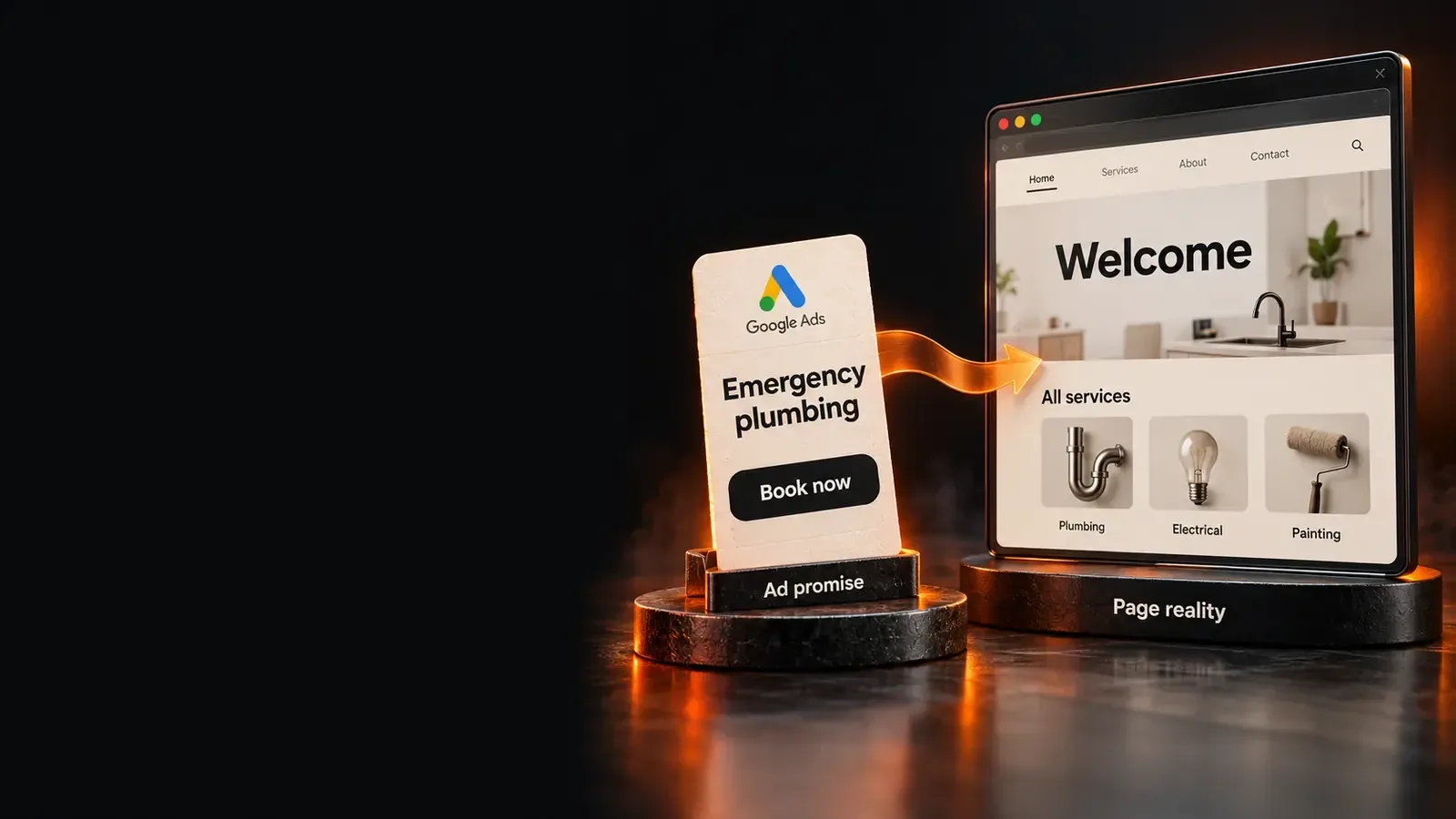
Message match means the page delivers what the ad that brought the visitor promised. Google’s example is an ad promising shoes at 20% off. Visitors should then find and buy those shoes at that price on the page (same source).
Open each active ad next to its final URL and compare three things: the offer, the wording and the call to action. Google also advises that the page should mirror the call to action in the ad.
Message match feeds Google’s own rating. Landing page experience is one of the factors in a keyword’s Quality Score. Google describes it by the page’s relevance, ease of navigation and number of links (Google Ads Help). We explain that rating in landing page experience below average.
Checks 6 and 7: the call to action and the form
The call to action and the form are where a visitor commits, so small frictions there cost the most. Check both on every page that receives paid traffic.
- Check 6, call to action: one primary action, visually dominant, with a label that says what happens next. It repeats at natural decision points on a long page.
- Check 7, form: every field earns its place against the value offered. Labels stay visible while typing, and errors explain how to fix them.
Count the fields and ask which ones sales actually uses. Fields kept for reporting nobody reads are pure friction.
Check 8: trust signals
Trust signals answer the question a visitor will not ask out loud: can I believe this? Check what proof the page shows, and where.
Reviews, client names, certifications and guarantees work best next to the decision they support, such as beside the form. Proof only at the foot of the page reaches the few visitors who scroll there. Check every claim can be verified, because an unsupported number weakens the proof beside it.
Checks 9 and 10: layout and distractions
Visual hierarchy is the order in which the page leads the eye: headline, benefit, proof, action. A page fails this check when two elements compete for first place.
- Check 9, hierarchy: scroll the page quickly. The eye should land on the headline, then the main benefit, then the call to action, in that order.
- Check 10, distractions: list every link, menu, pop-up and secondary offer. Each one is a way to leave. Google counts the number of links as part of landing page experience (same source as Check 5).
Checks 11 and 12: mobile and page speed
Google notes that many visitors arrive on a mobile device, where finding things is harder (same source as Check 3). Test on a real phone, not only a resized desktop window.
Check 11, mobile: the call to action is reachable with a thumb and text reads without zooming. The form works with the phone’s keyboard.
Check 12, speed: Google’s Core Web Vitals set three thresholds for a good experience. Each is measured at the 75th percentile of page loads (web.dev).
| Metric | Measures | Good at the 75th percentile |
|---|---|---|
| Largest Contentful Paint (LCP) | Loading: when the main content appears | 2.5 seconds or less |
| Interaction to Next Paint (INP) | Responsiveness to taps and clicks | 200 milliseconds or less |
| Cumulative Layout Shift (CLS) | Visual stability while loading | 0.1 or less |
Rank the findings by what they cost
A finding matters in proportion to the traffic and Conversions it touches. A broken form on your busiest paid page outranks a weak headline on a page few people see.
- List every failed check with the page, the evidence and an estimate of the visitors it affects.
- Fix measurement first, because every other estimate depends on it.
- Then fix the failures on your highest-traffic paid pages, starting with message match and the form.
- Change one thing at a time where you can, so you know what worked.
Judge results against your own baseline, not an industry average. Our guide to a good conversion rate for Google Ads explains why.
Frequently Asked Questions
How to audit a webpage?
To audit a webpage, first confirm its Conversion is tracked correctly, then check it against a fixed list. Review the headline and its match with your ads, then the call to action and form. Then check trust, layout, distractions, mobile use and speed. Record evidence for each failure, then fix the costliest ones first.
Sources (4)
All checked on 15 October 2026.
- Google Ads Help, Optimize your ads and landing pages
- Google Ads Help, Landing page
- web.dev, Web Vitals
- BlazeByte client reports, named with permission: Killian’s HVAC (25 July 2026) and Toolab tracking fix and impact report (July 2026).